
How a Synod vote runs, end to end.
Follow a single District Conference vote from the moment you import your roster to the moment certified totals land in your minutes. Six ordered stages, each conducted in order and recorded with confidence.
Set up your first venue in minutes — no early-access wait.
The full lifecycle
Six stages, from roster to record.
Each stage hands to the next in order — so a conference moves from a seated roster to certified totals without a step out of place.
Import your roster
Start by bringing in your roster — the seated, eligible voters for this District Conference. Synod reads your list once, so every later stage can be measured against a single, authoritative record of who belongs in the room.
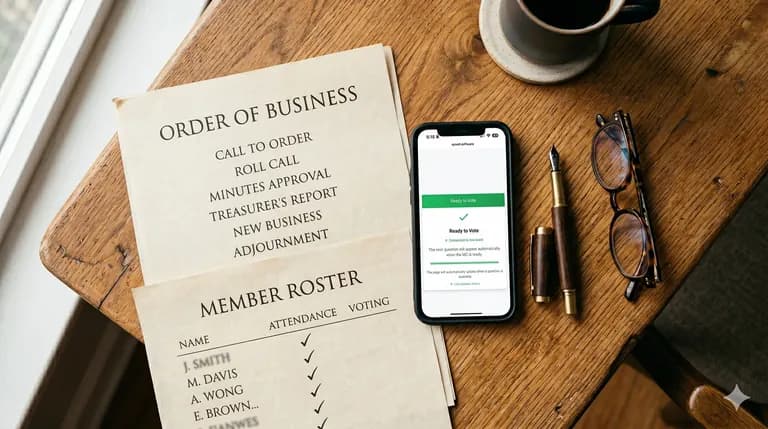
Roll call and approval
As voters register from their phones, Synod matches each one against your imported roster and holds them for an administrator to approve. Registration alone never grants a vote — roster matching plus your manual approval is the gate that admits only seated members to a ballot.

Sectional and district ballots
Open sectional ballots and district-wide elections side by side, each scoped to the right body of voters. Sections cast privately from their own phones — no shared devices to pass around — while a district race opens to the full conference, exactly as your order of business calls for.
The live room display
A shared display at the front of the room follows the same vote in real time, on its own device — a projector, screen, or laptop separate from every voter’s phone. While a ballot is open it shows no live running counts; when a result lands, the room sees the winner revealed first, together.

No live counts while voting is open 
Certified results
When a result is certified, its totals are frozen the moment they are announced and never change afterward. If a voter is later removed, their ballot is anonymized rather than counted out — so an announced outcome always stands, and the minutes can rest on it.
Export for your minutes
Carry every certified result out of Synod and into your records. Export the outcomes for your minutes and order of business, so the conference closes with a clean, recorded account of every ballot it ran.
Running the vote